
Lid Corner Calibration
Drag each colored dot to the exact corner of the picture panel on the box lid.
Red = top-left Blue = top-right Green = bottom-right Yellow = bottom-left
TL: x=22% y=18%
TR: x=74% y=16%
BR: x=80% y=48%
BL: x=16% y=50%
Copy these 4 values to send back:
TL(22,18) TR(74,16) BR(80,48) BL(16,50)
TL(22,18) TR(74,16) BR(80,48) BL(16,50)
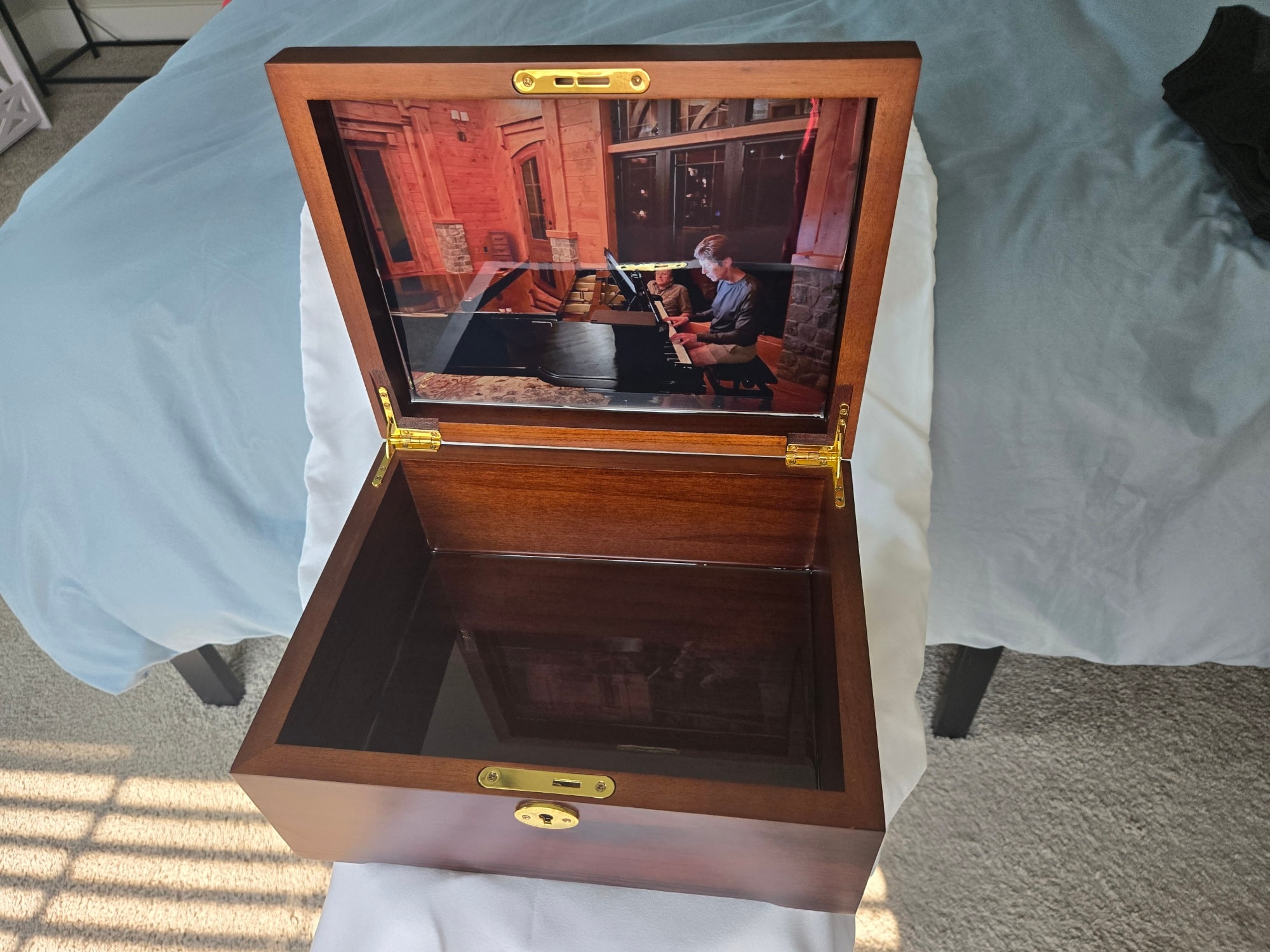
When the dots are perfectly on the lid corners:
Read me the 4 values shown in the box above — TL(x,y) TR(x,y) BR(x,y) BL(x,y) — and I'll lock them in immediately.
Open /calibrate in a new tab for easier switching